
Additional Features
RomaScript includes powerful features to enhance your survey experience and data quality — from preview and validation to collaboration and security.
Survey Preview
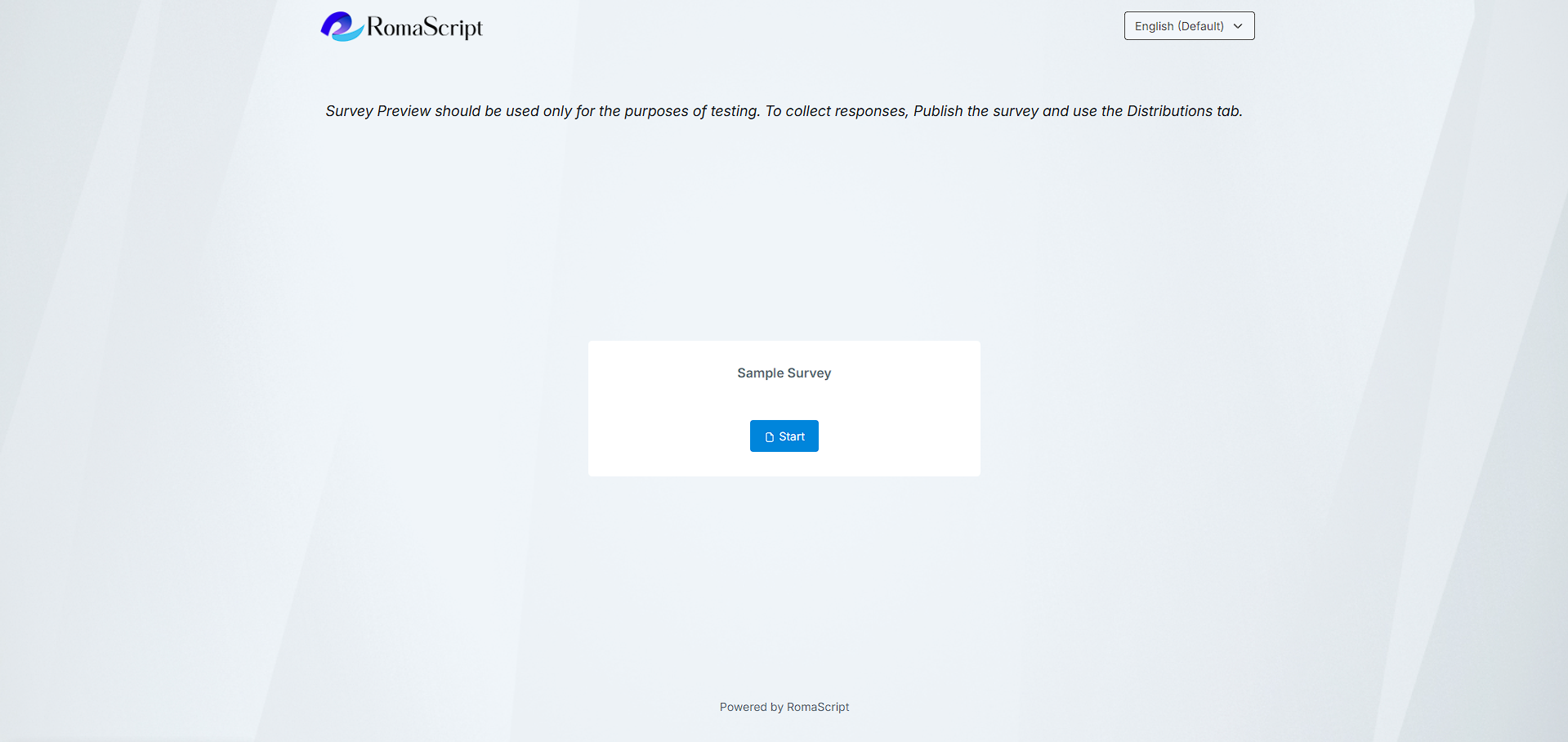
Test your survey before launch with full preview mode showing desktop and mobile views.
Response Validation
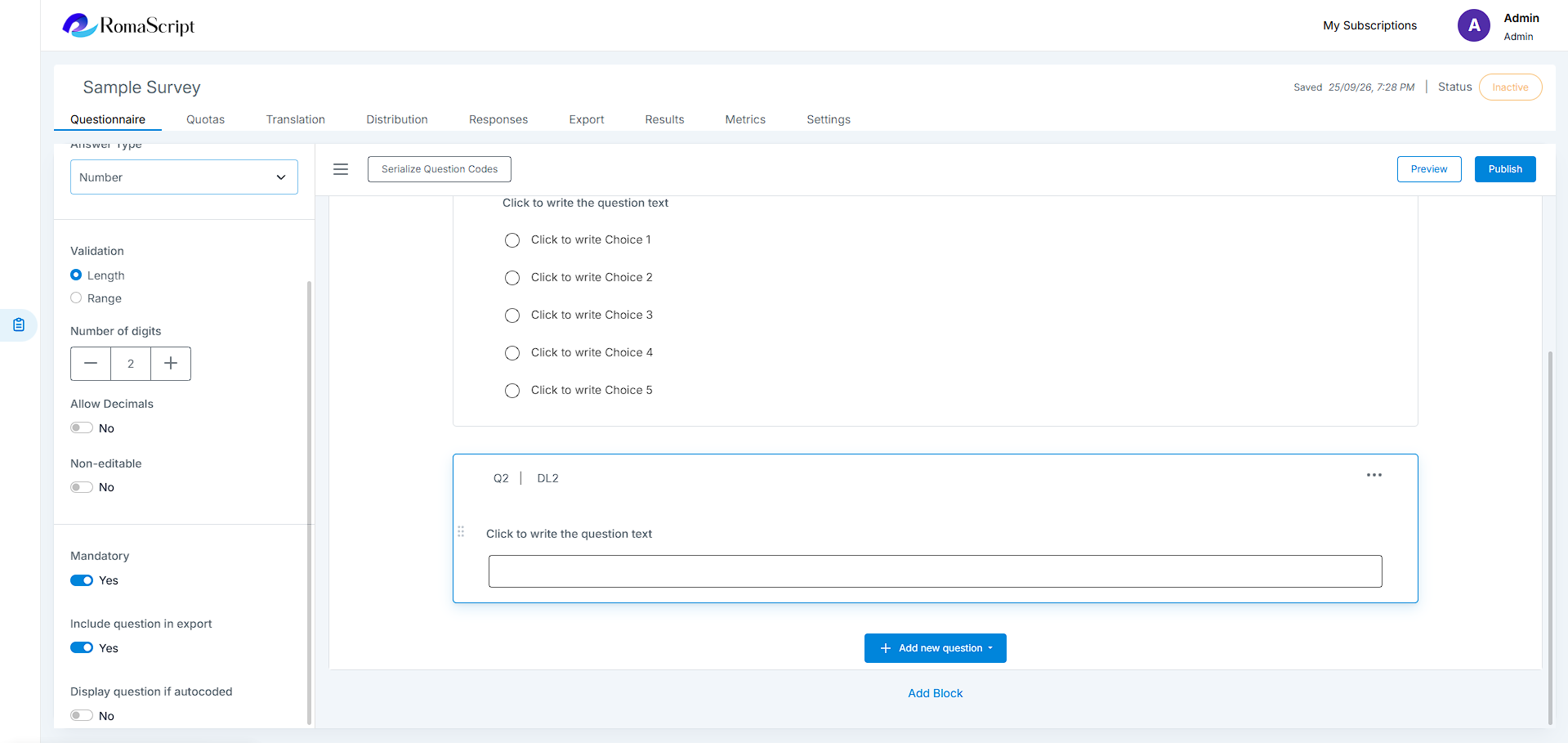
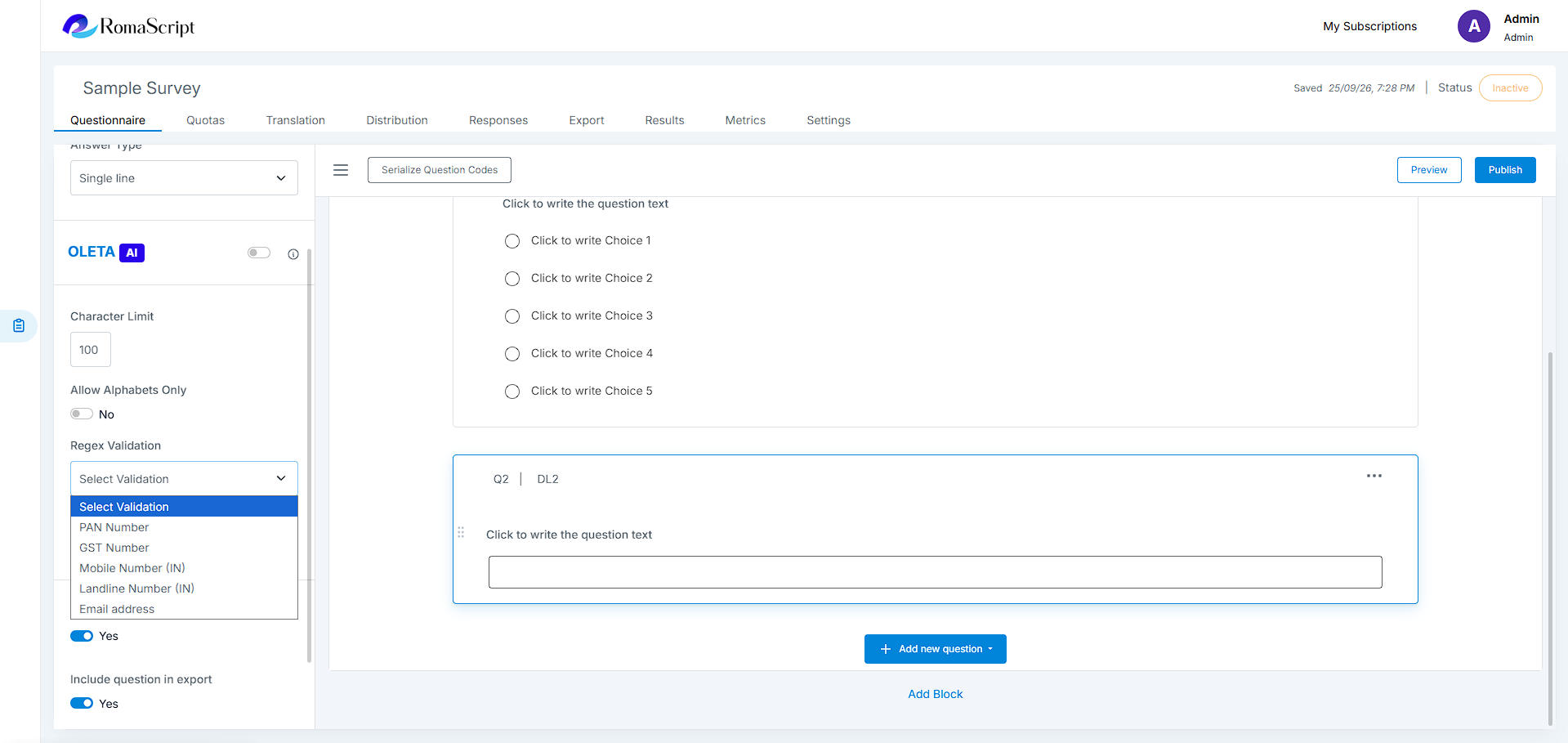
Ensure data quality with built-in validation rules:
- Required questions
- Number range validation
- Email format validation
- Custom validation rules
- Error messages customization
Survey Copy
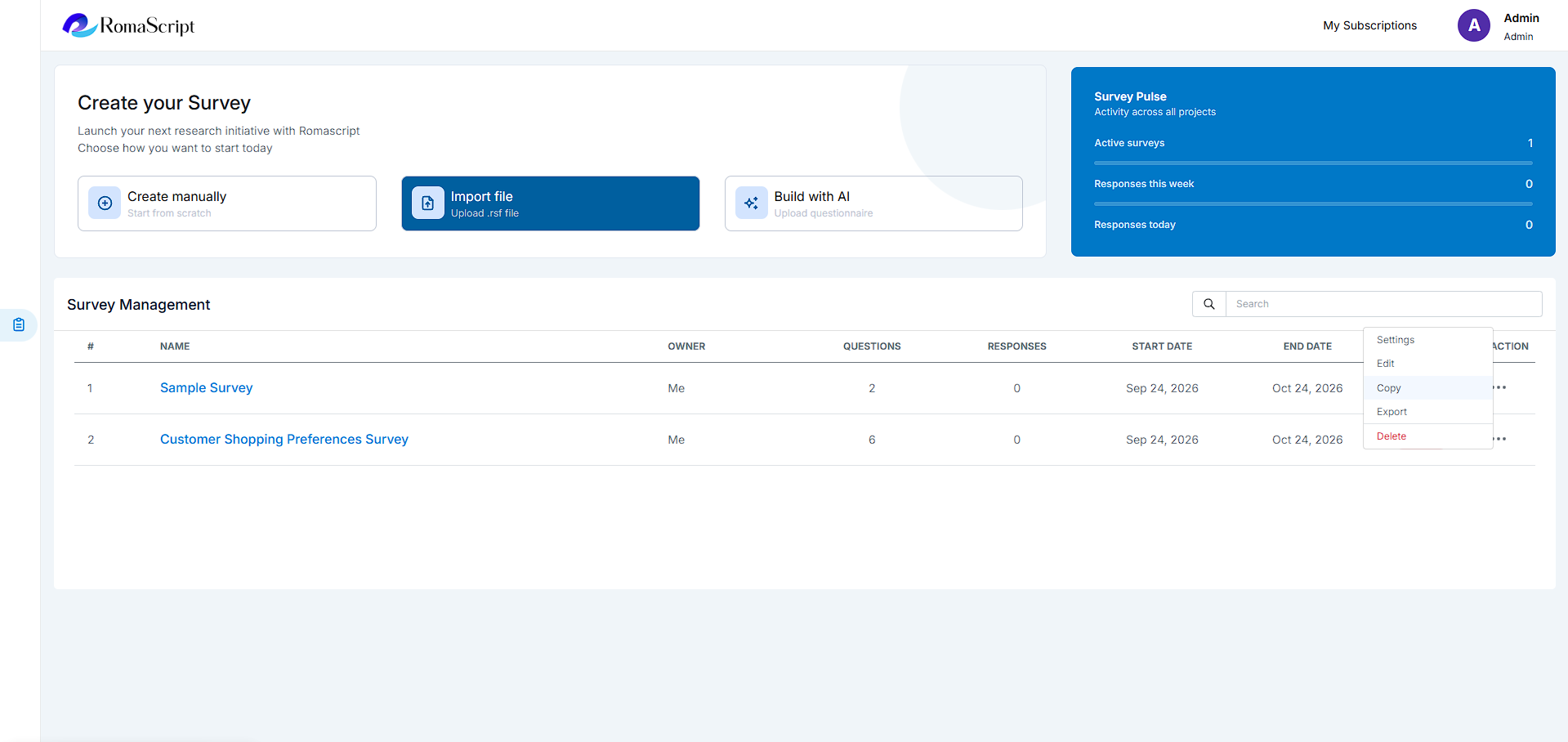
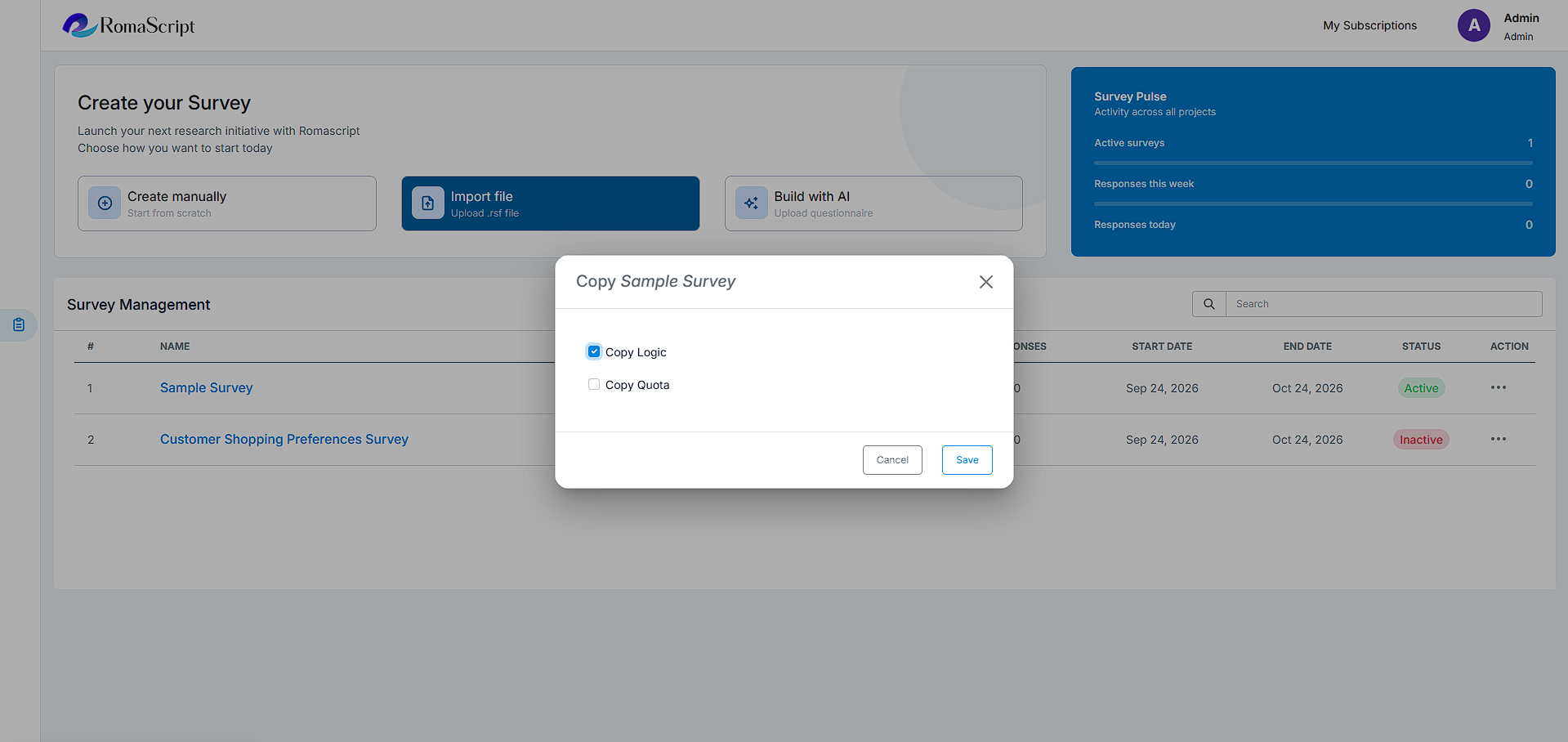
Copy an existing survey from the listing screen with or without Logic and Quota with ease.
Import / Export Survey
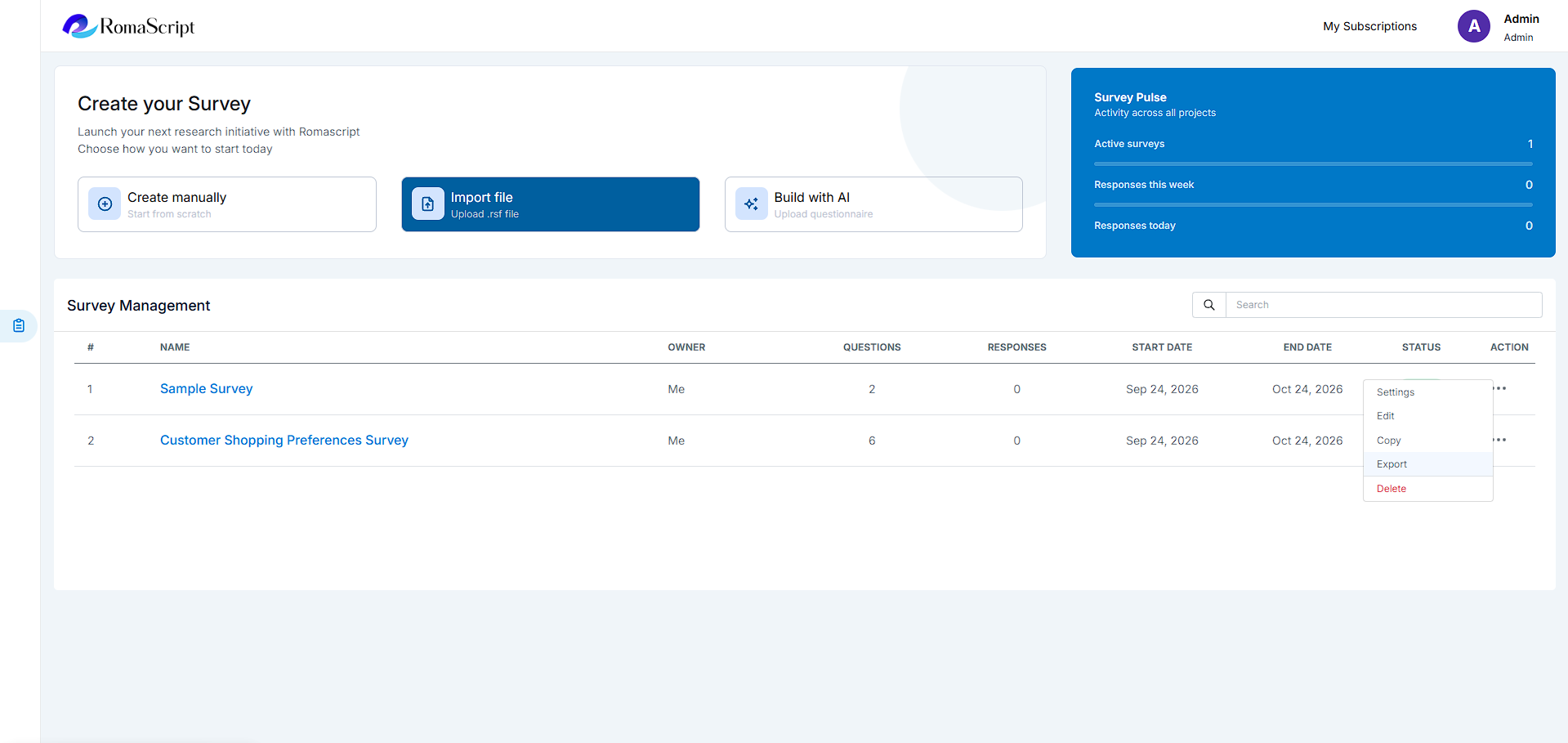
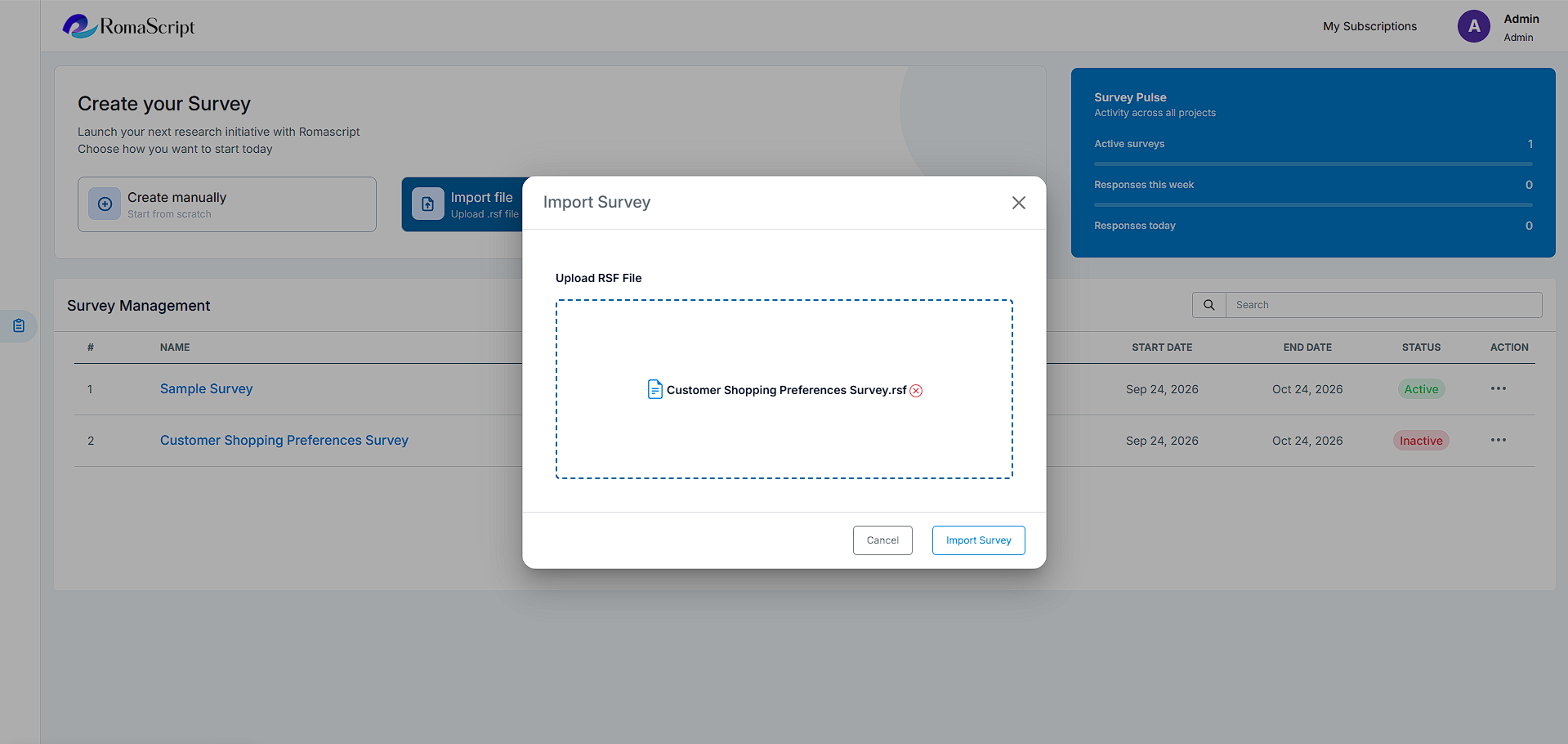
Export an existing survey with logic in RomaScript’s own .rsf format and create a new survey by importing that file. It is helpful when a questionnaire needs to be transferred to another account.
Progress Indicators
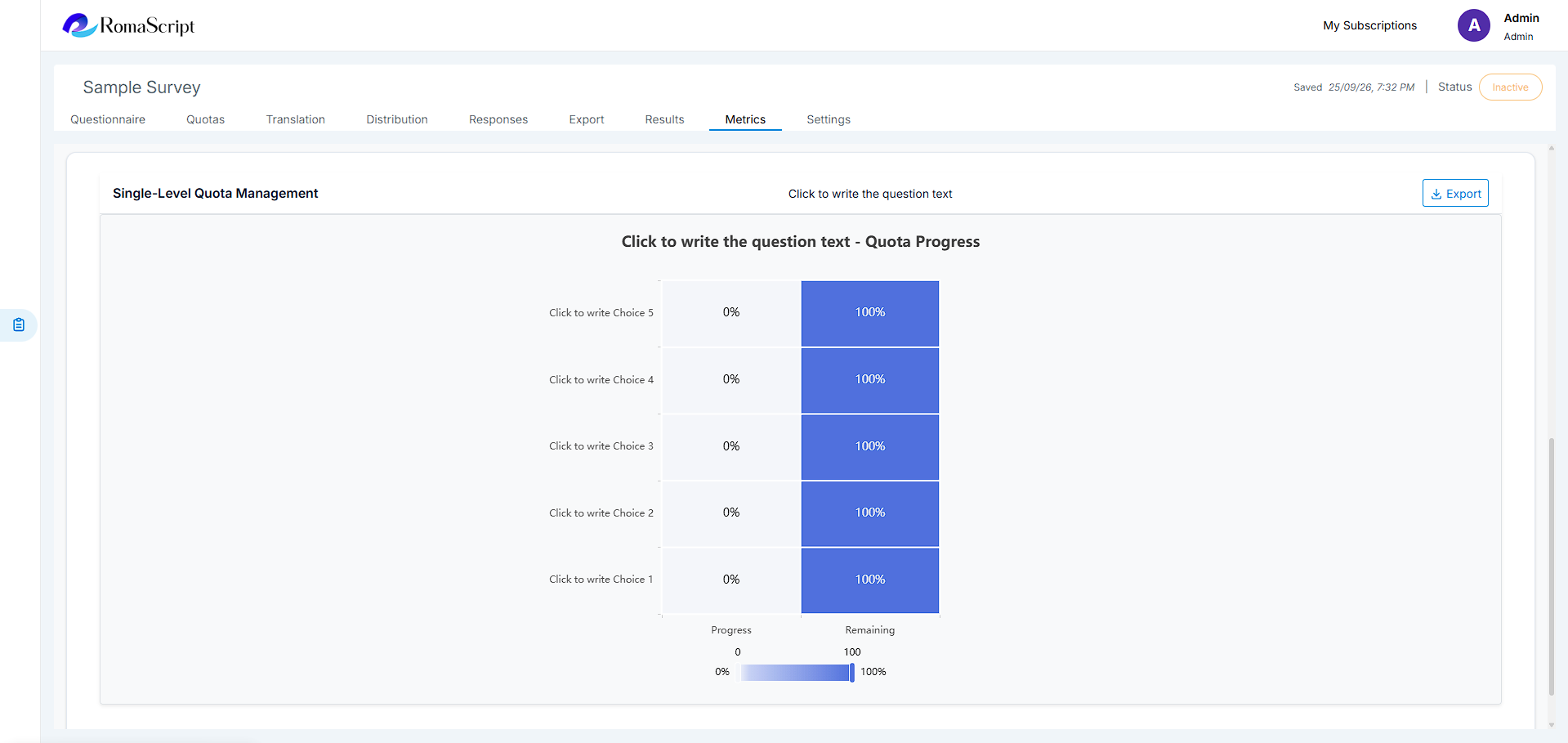
Stay updated with visual progress tracking showing survey completion percentage in the ‘Metrics’ tab.
Mobile Optimization
All surveys are automatically optimized for mobile devices with responsive design and touch-friendly interfaces.
Collaboration Tools
Work with your team efficiently:
- Share surveys with team members
- Assign role-based permissions
- Track changes and version history
- Add comments and notes to surveys
Data Security
Your data is protected with enterprise-grade security:
- SSL encryption for all data transmission
- Regular automated backups
- Compliance with data privacy regulations
- Anonymous response options